SQL Server expiration date passed? Time to take control
Why waiting to upgrade is rarely a smart choice SQL Server 2012 and 2014 are fading out. Support has ended,…

Monitoring tools can be quite expensive, but did you know SQL Server already includes a built-in alerting system that can keep an eye on your environment? SQL Server Alerts notify you before small issues grow into major headaches. In this blog, Mark van der Haar explains how to set up solid monitoring with SQL Server Alerts – without breaking the bank.
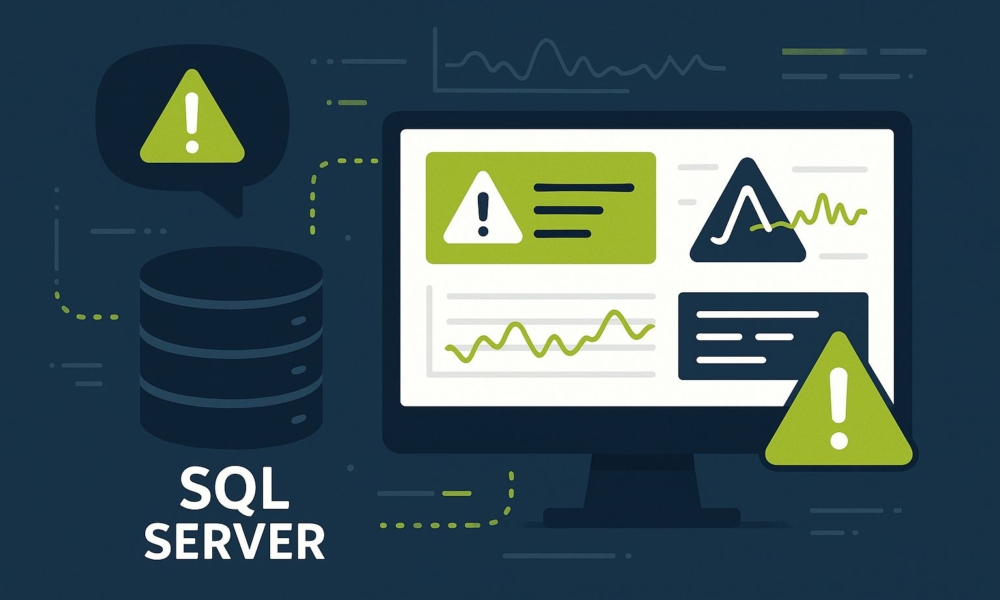
Tools like Redgate, Idera en Quest offer powerful monitoring capabilities, but their price tags don’t fit every budget. Don’t worry, SQL Server Alerts can take you a long way.
There are some limitations: you can’t keep historical data for analyzing workload trends. But they offer something unique, in addition to standard health and performance monitoring, you can also set up security incident and compliance alerts. That’s something you rarely find, even in paid tools.
You’ll find the alert functionality under the SQL Server Agent tab in Management Studio. According to Microsoft’s officiële documentatie, you have four types of alerts available:
Microsoft’s severity levels range from 1 to 25, with higher numbers indicating more serious problems. You don’t want to catch every message, that would flood you with unnecessary alerts. A good starting point is level 16, which strikes a balance between important issues and manageable alert volume.
To create an alert, right-click Alerts under the SQL Server Agent tab, choose New Alert…, give it a name, enable it, and select SQL Server event alert as the type. Choose Severity and select level 16. On other tabs, you can configure email notifications, make sure you’ve set up an operator first.
EXEC msdb.dbo.sp_add_alert @name = N'Severity level 16', @message_id = 0, @severity = 16, @enabled = 1,

       @delay_between_responses = 600, @include_event_description_in = 1;

EXEC msdb.dbo.sp_add_notification @alert_name = N'Severity level 16', @operator_name = N'DBAs',

@notification_method = 1;
Now, whenever an event with severity 16 occurs, your DBA team automatically receives an email. Just make sure the operator and mail functionality are configured properly.
For example, Error 708 warns that your server is running low on virtual memory — exactly the kind of problem you want to act on quickly. You can find a full list of SQL Server error messages in Microsoft’s sysmessages documentatie.
EXEC msdb.dbo.sp_add_alert @name = N'Error 00708', @message_id = 708, @severity = 0, @enabled = 1,

  @delay_between_responses = 600, @include_event_description_in = 1,

  @notification_message = 'Template van error 708: Server is running low on virtual address space or machine
is running low on virtual memory. Reserved memory used %d times since startup.
Cancel query and re-run, decrease server load, or cancel other applications.';

EXEC msdb.dbo.sp_add_notification @alert_name = N'Error 00708', @operator_name = N'Database Administrators',

@notification_method = 1;
When creating a new alert, select SQL Server performance condition alert. Then specify the Object, Counter, and Instance, along with the condition and threshold value. SQL Server performance counters provide insight into various aspects of your database performance.
EXEC msdb.dbo.sp_add_alert @name=N'PLE', @enabled=1, @delay_between_responses=0,

@notification_message=N'page life expectancy below 100',

@performance_condition=N'Buffer Manager|Page life expectancy||<|100';
Keep in mind: these alerts check every 20 seconds. With heavy queries refreshing your cache, you may get multiple emails. A better approach is to trigger a job from the alert that collects data, or increase the @delay_between_responses
A particularly interesting use case is Security Incident and Event Monitoring (SIEM). You can create alerts that track when logins are added to roles. Microsoft’s WMI classes voor SQL Server offer extensive event-monitoring capabilities.
EXEC msdb.dbo.sp_add_alert @name=N'Alert - Add login to server role', @enabled=1, @include_event_description_in=0,

@wmi_namespace=N'\\.\root\Microsoft\SqlServer\ServerEvents\MSSQLSERVER',

@wmi_query=N'select * from AUDIT_ADD_LOGIN_TO_SERVER_ROLE_EVENT', @job_name=N'Mail WMI add Login to Role'
In the linked job, use tokens such as $(ESCAPE_SQUOTE(WMI(RoleName))) and $(ESCAPE_SQUOTE(WMI(TargetLoginName))).
In SQL Server Agent Properties → Alert System, enable the option “Replace tokens for all job responses to alerts”:
EXEC msdb.dbo.sp_set_sqlagent_properties@alert_replace_runtime_tokens=1
WMI queries can be complex, but the Windows tool wbemtest can help you explore and test them.
With SQL Server Alerts, you can monitor your database environment without the cost of third-party tools. It’s an excellent standalone solution for smaller environments, and it also works well as an extra layer of protection alongside existing monitoring tools. The biggest advantage? You can detect and handle issues early — before they impact your users or business processes.
Would you like to get the most out of SQL Server Alerts in your environment? At OptimaData, we’re happy to help you design smart, cost-effective monitoring solutions. Get in touch for a consultation about your monitoring strategy.